

Do You Need a 2.5 Gbps Ethernet Port at Home?
Do you need a 2.5 Gbps Ethernet port at home and when upgrading from 1 Gbps Ethernet
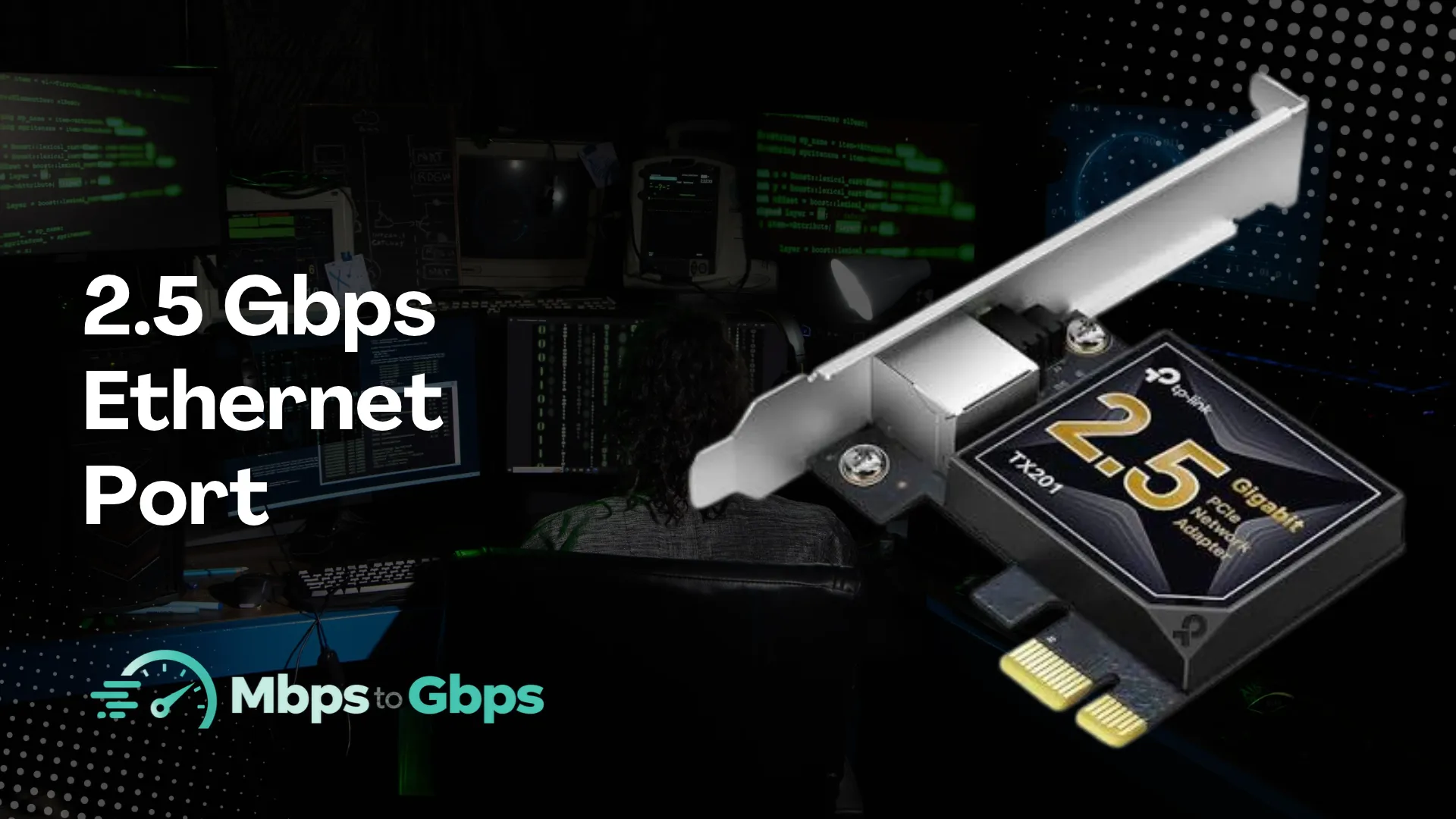
Most homes do not need a 2.5 Gbps Ethernet port.
A 1 Gbps Ethernet connection is already enough for everyday activities such as streaming, gaming, video calls, and browsing.
However, 2.5 Gbps Ethernet can be useful if you have a multi-gigabit internet plan or regularly transfer large files between computers, storage devices, and other equipment on your home network. It can also be a useful feature when buying new networking hardware, especially if you expect your internet speeds to increase in the future.
When Is a 2.5 Gbps Ethernet Port Worth It?
A 2.5 Gbps port makes more sense in a few specific situations.
You Have Internet Faster Than 1 Gbps
This is the clearest reason to get 2.5 Gbps Ethernet.
If your ISP (Internet Service Provider) offers a 1.5 Gbps, 2 Gbps, or 2.5 Gbps plan, a standard 1 Gbps Ethernet port can become a bottleneck. Your router and computer could be capable of higher speeds, but the 1 Gbps port would limit the wired connection.
A 2.5 Gbps WAN port can help your router take advantage of multi-gigabit internet service.
Your computer also needs a 2.5 Gbps Ethernet port or compatible network adapter if you want one wired device to receive more than 1 Gbps from the internet.
You Transfer Large Files Between Devices
A 2.5 Gbps connection can be useful even if your internet connection is only 500 Mbps or 1 Gbps.
For example, you may have a desktop computer, laptop, and NAS on the same home network. Moving large video files, backups, game files, or other data between these devices can benefit from the higher local network speed.
This is one of the main reasons 2.5GbE can make sense for home users who work with large files.
You Use a NAS
A NAS (Network Attached Storage) can become a good reason to move beyond 1 Gbps Ethernet.
If your NAS and computer both support 2.5GbE, you can transfer files between them faster than you could with standard Gigabit Ethernet. The actual speed will still depend on the NAS drives, computer storage, network equipment, and other factors.
QNAP specifically positions 2.5GbE as an upgrade for home users who want faster network and storage performance.
You Have Several High-Speed Devices
A 2.5 Gbps network can also be useful in a busy home.
Imagine a home with a gaming PC downloading a large game, another computer transferring files to a NAS, and several people streaming video at the same time. A faster network connection gives your wired devices more capacity to share.
That does not mean every device needs a 2.5 Gbps port. You can have a mix of 1 Gbps and 2.5 Gbps devices on the same network.
Does 2.5 Gbps Ethernet Improve Online Gaming?
Not usually in a noticeable way.
Online games generally do not require several gigabits per second of bandwidth. Your internet connection's latency, stability, and route to the game server are usually more important for the gaming experience.
A 2.5 Gbps Ethernet port can still be useful for downloading large games and updates faster if your internet plan is fast enough.
For example, a 2.5 Gbps internet plan paired with a 1 Gbps Ethernet port could prevent your gaming PC from using the full available download speed. A 2.5 Gbps connection removes that particular limitation.
Even with the right Ethernet hardware, a speed test may still show a lower result than the speed advertised by your ISP. Several factors can affect the result, which is why it is useful to understand why download speed looks lower than your internet plan.
What Else Do You Need for 2.5 Gbps Ethernet?
A 2.5 Gbps Ethernet port on one device is only part of the setup. The rest of the network also needs to support the higher speed.
For internet access, a multi-gigabit internet plan is required to go beyond 1 Gbps. The router also needs a 2.5 Gbps WAN port to receive that connection and a suitable LAN port if you want to pass those speeds to a wired device.
On the device side, a computer or other equipment needs its own 2.5 Gbps Ethernet port. If it only has a 1 Gbps port, its wired connection will remain limited to Gigabit Ethernet. A 2.5 Gbps switch is also needed when multiple 2.5GbE devices need to communicate through the same network.
Fortunately, the cables may not need an upgrade. 2.5GbE can work with existing Cat5e Ethernet cables, so you may be able to use your current cabling setup.
2.5 Gbps Ethernet vs 1 Gbps Ethernet:
Theoretical speed: 1 Gbps Ethernet offers up to 1,000 Mbps, while 2.5 Gbps Ethernet offers up to 2,500 Mbps.
Best for: 1 Gbps Ethernet is suitable for most home users, while 2.5 Gbps Ethernet is better suited to multi-gigabit users.
Internet plans: 1 Gbps Ethernet is suitable for internet plans up to 1 Gbps, while 2.5 Gbps Ethernet can support plans above 1 Gbps.
Large local file transfers: 1 Gbps Ethernet is good for file transfers, while 2.5 Gbps Ethernet can transfer large files faster.
NAS use: 1 Gbps Ethernet is suitable for many NAS setups, while 2.5 Gbps Ethernet can provide faster transfers.
Online gaming: 1 Gbps Ethernet is usually enough for gaming, while 2.5 Gbps Ethernet is mainly useful when paired with a fast internet connection.
Existing Cat5e cable: 1 Gbps Ethernet works with Cat5e cables, and 2.5 Gbps Ethernet can often use them as well.
The internet speed numbers can be confusing when it comes to comparing both Gbps and Mbps. In such a case, you should use the Gbps to Mbps converter that can help you quickly convert between the two units when comparing internet plans or Ethernet speeds. For example, 2.5 Gbps is equal to 2,500 Mbps.
Should You Buy a Router With 2.5 Gbps Ethernet?
If you are buying a new router anyway, having a 2.5 Gbps port can be a useful feature for future upgrades.
If you are considering a faster internet connection before upgrading your router, it is also worth considering whether gigabit internet is worth it for home use in the first place. A 2.5 Gbps Ethernet port is most useful when your internet plan and home network can actually take advantage of the extra bandwidth.
You may not need to use it immediately. For example, you could have a 1 Gbps internet plan today and upgrade to a faster plan later. A router with a 2.5 Gbps WAN port gives you more room for that upgrade. Some current routers also use 2.5 Gbps ports for both WAN and LAN connections.
However, there is little reason to replace a perfectly good 1 Gbps router only because it lacks a 2.5 Gbps port.
Final Words
Most homes do not need a 2.5 Gbps Ethernet port yet. A standard 1 Gbps Ethernet connection is enough for typical browsing, streaming, video calls, online gaming, and other everyday activities.
A 2.5 Gbps port becomes worth considering if you have a multi-gigabit internet plan, regularly move large files across your home network, use a fast NAS, or want to prepare for a future internet upgrade. If none of these apply, paying extra for 2.5 Gbps Ethernet may not provide a noticeable benefit.